CNC Laser Pro - Engrave & Cut
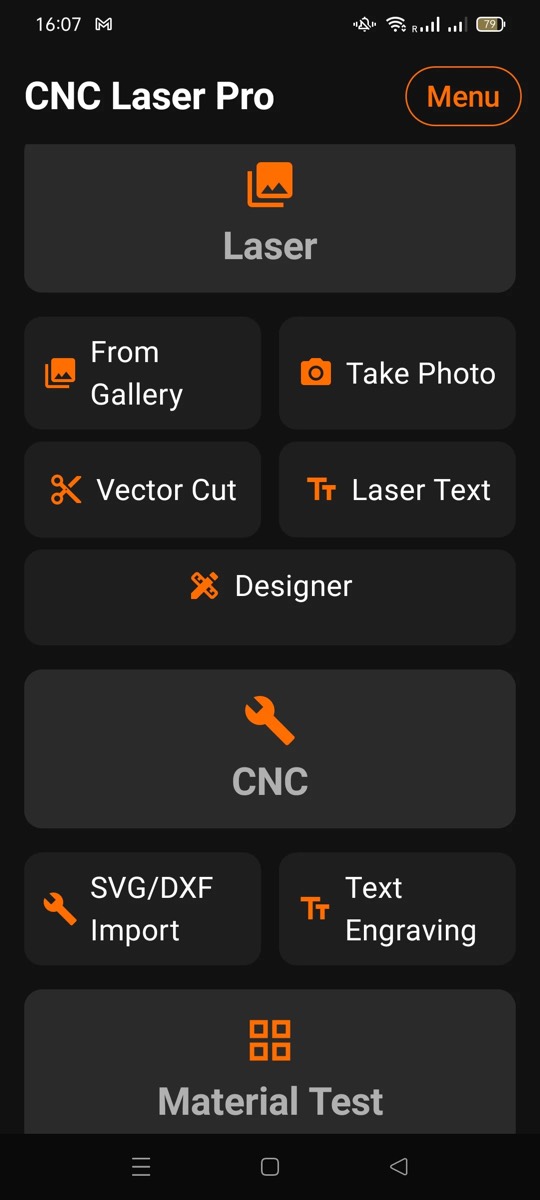
CNC Laser Pro - Engrave & Cut is an Android app that creates G-code for laser engraving, laser cutting and CNC milling on your phone. It converts photos, SVG/DXF drawings and text into G-code and sends it straight to a GRBL machine over Bluetooth, USB or WiFi, so it is also a G-code sender and GRBL controller app for Android. It works with GRBL lasers from Ortur, Atomstack, Sculpfun, Creality, Two Trees, Comgrow, Longer, Mecpow, Acmer, Eleksmaker and xTool D1. No PC and no subscription: 12 days free, then a one-time purchase.

What the app does
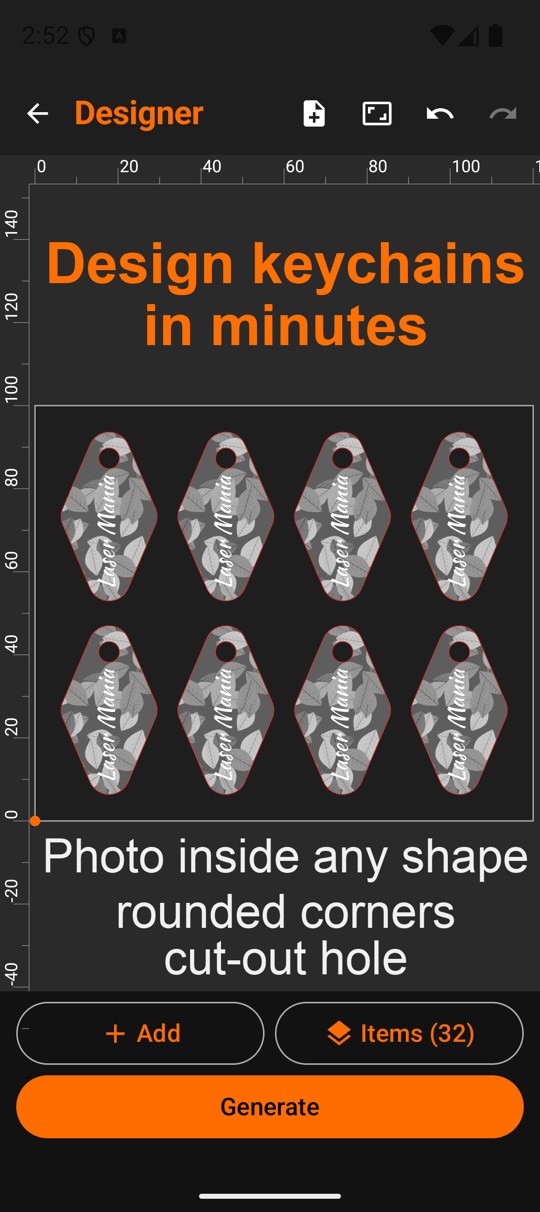
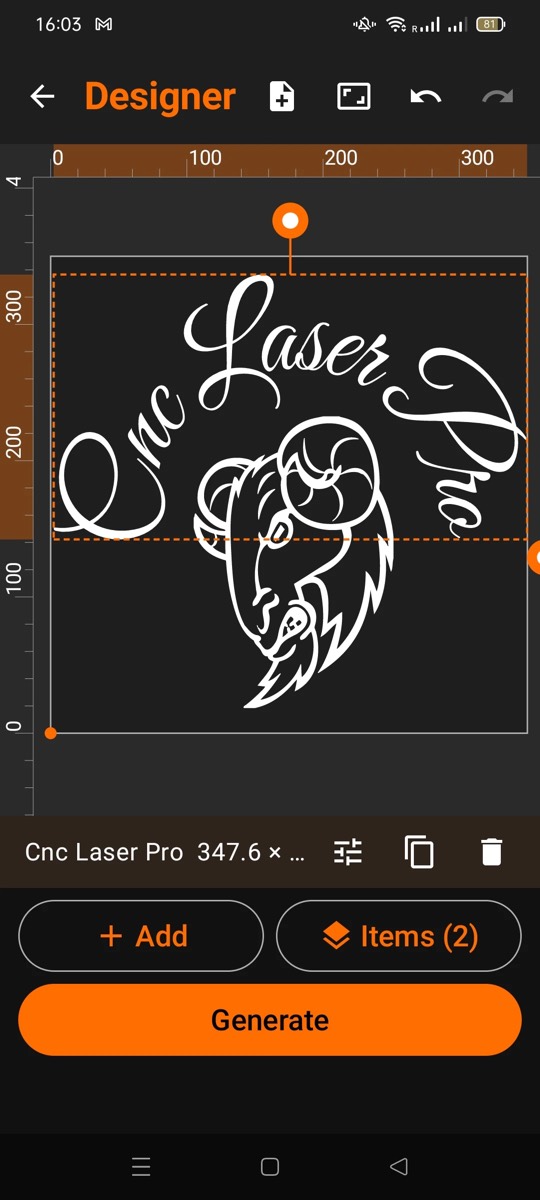
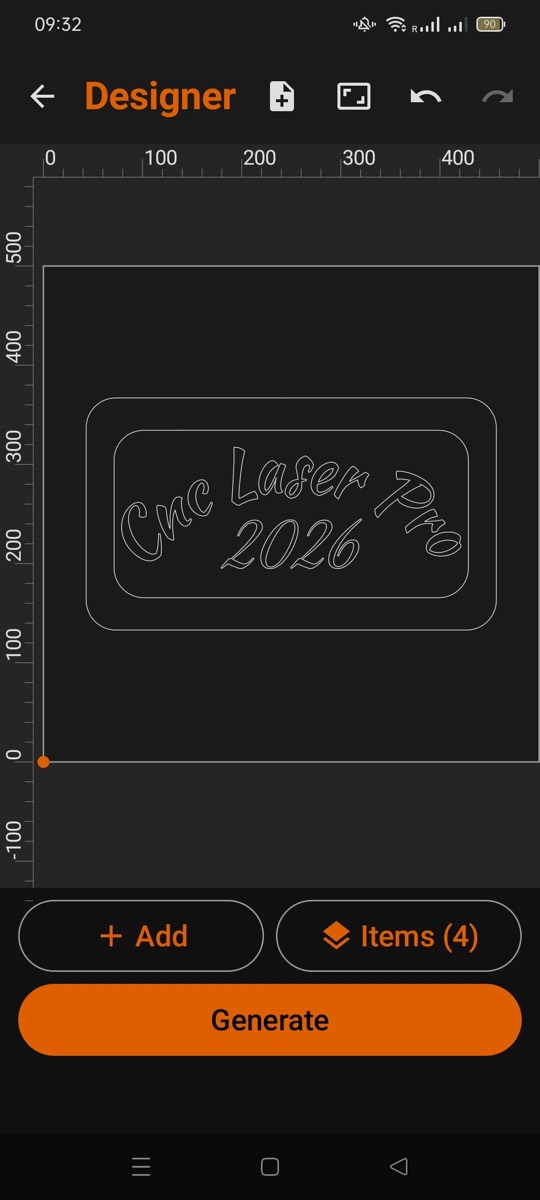
- Designer: lay out a whole job on one sheet. Text, photos, SVG/DXF drawings and shapes are burned as a single laser job, exactly where you place them. Text on an arc, cut-out letters with bridges, combined shapes and grid arrays.
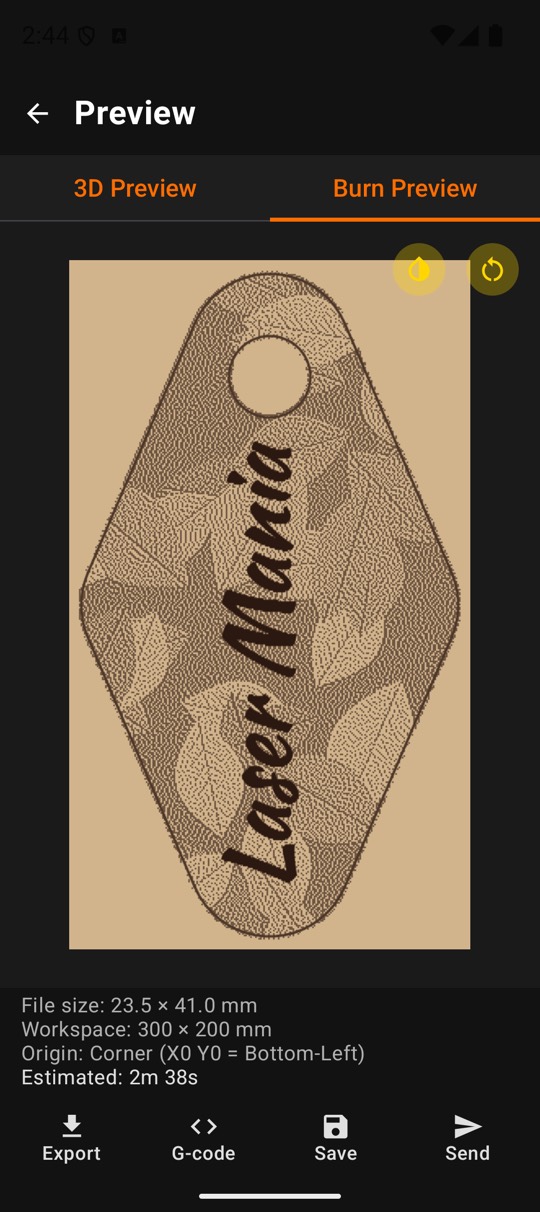
- Photo in a shape: put a photo into a heart, a circle or any closed shape. It burns only inside, and the outline is cut at the end, so a key ring or a coaster is made in one job, hole included.
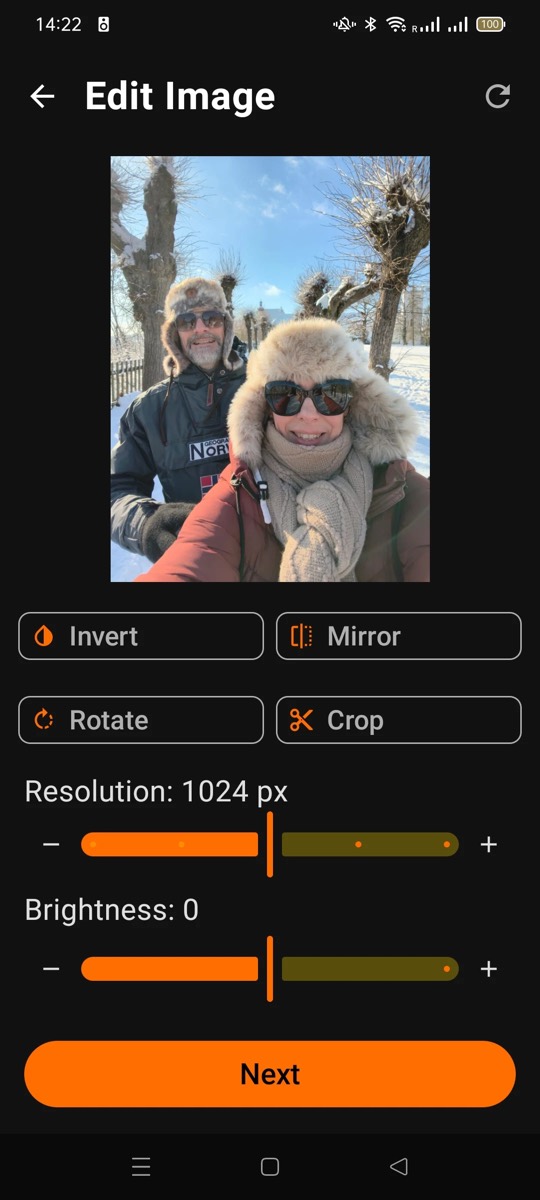
- Photo engraving: 12 modes: 10 dithering algorithms (Floyd-Steinberg, Stucki, Bayer and others), grayscale and halftone. Brightness, contrast, gamma and sharpening in the app, so a photo is ready to engrave in minutes.
- Vectorize: turn a photo or logo into a cuttable vector with one tap and a live preview: outline or centerline, multiple gray levels. No drawing software needed.
- Vector laser cutting: SVG and DXF with multiple passes, kerf compensation, lead-in and lead-out, and power and speed per layer. Burn preview before you start.
- Material test grid: burns a grid of power and speed values, so you find the best settings for a material and save them as a preset.
- Text engraving: labels, nameplates and dates with built-in or your own TTF/OTF fonts, in fill, outline or single-line mode.
- CNC milling: SVG/DXF engrave, outside and inside profile with true cutter radius compensation (G41/G42), multi-step depth of cut and holding tabs. 7 post-processors and 6 CNC material presets.
- Machine control from the phone: 3D toolpath preview, jog control (X/Y/Z with adjustable step and speed), work zero (X/Y/Z), and live machine state and position on GRBL.
Typical jobs: nameplates, gifts, logos, key rings, coasters and photos on wood, leather, acrylic, plywood and anodized aluminum.
Screenshots
How it connects to the machine
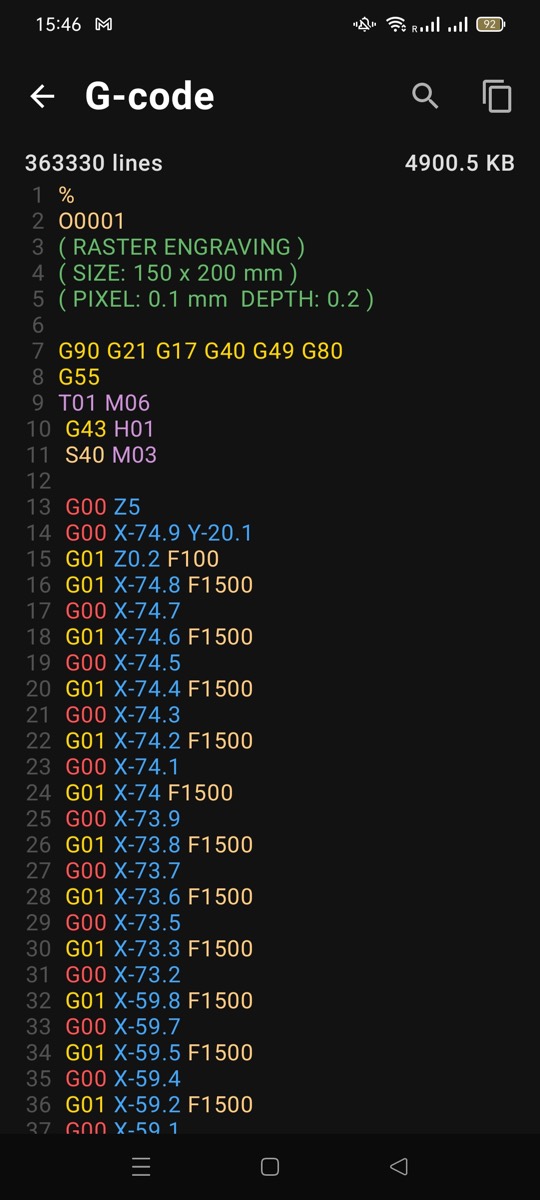
The app sends G-code over Bluetooth, USB serial, WiFi or FTP. You can also export the file to storage, a USB drive or an SD card, or share it as a QR code. Supported controllers: GRBL, Mach3, FluidNC, Smoothieware, plus post-processors for Fanuc, Haas, Siemens, Mitsubishi and Okuma. See supported machines and controllers.
Price and trial
The app is free to install with a 12-day trial of all features. After that, a one-time in-app purchase unlocks it. There is no subscription and the app shows no ads. The price is shown in Google Play in your local currency.
Languages
The app and its built-in user guide are available in English, German, Hungarian, Spanish, Italian, French, Portuguese.
Safe use
The app makes G-code from your settings. Check power, speed, depth and tool diameter before you start, and do a test run at minimum power first. Wear laser safety glasses rated for your laser, keep ventilation running and never leave a running laser alone.