
CNC Pocket Cam Programmer
CNC Pocket Cam Programmer is an offline G-code generator for CNC milling on Android phones and tablets. You choose an operation, enter the dimensions and get a program for Fanuc, Haas, Okuma, Mitsubishi, Siemens, GRBL or Mach3. It shows the toolpath in 3D and can send the program to the machine over USB serial, Bluetooth or WiFi.

What the app does
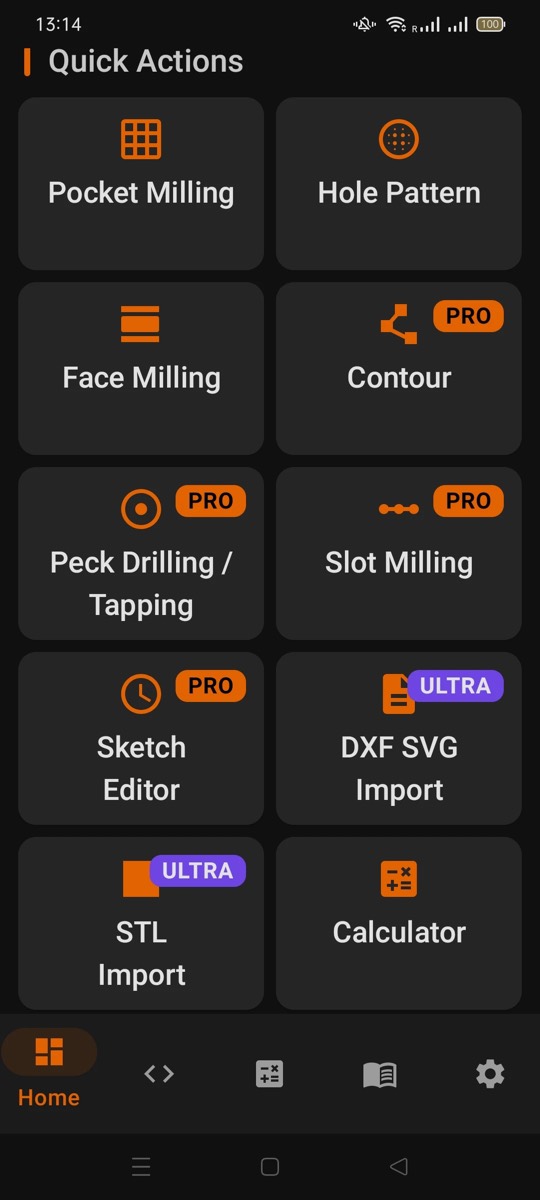
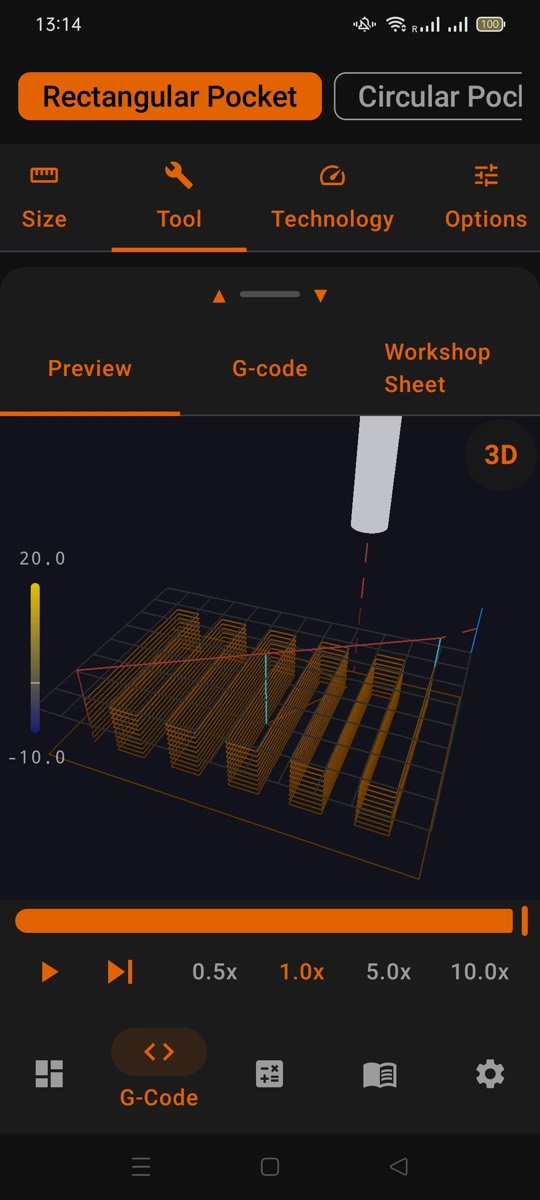
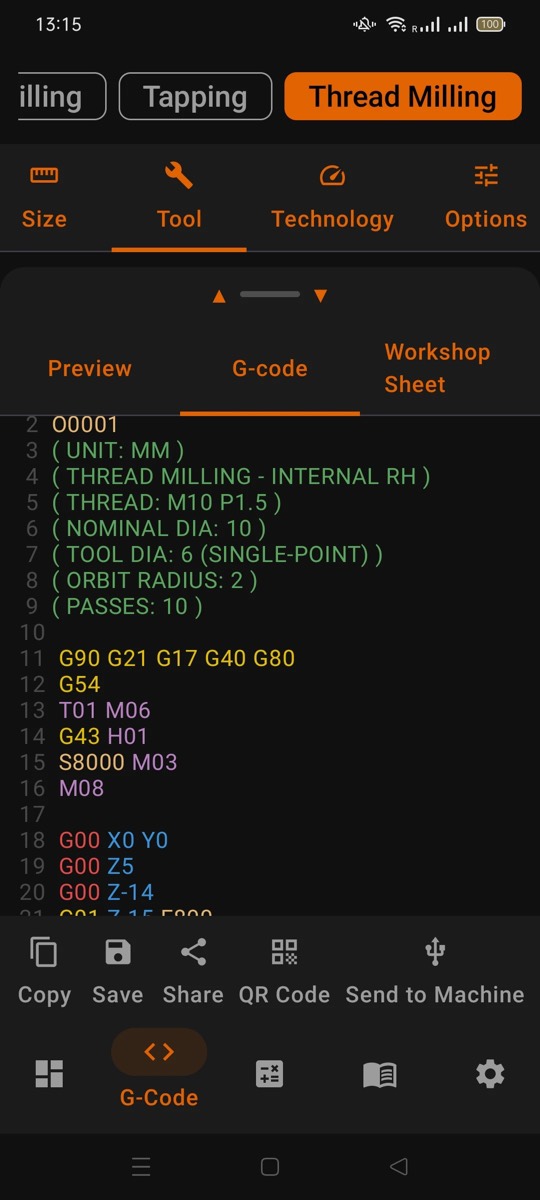
- G-code generators: select the operation, enter the dimensions and get a ready-to-run program in minutes. Rectangular and circular pockets, inside and outside contours, face milling, straight and arc slots, thread milling with helical interpolation, peck drilling, tapping, simple drilling and circular hole patterns.
- Sketch editor: a simple CAD/CAM on the phone. Draw rectangles, circles, slots, holes, arcs and text, set pocket, profile or engrave per element, and get G-code for the whole drawing in one step.
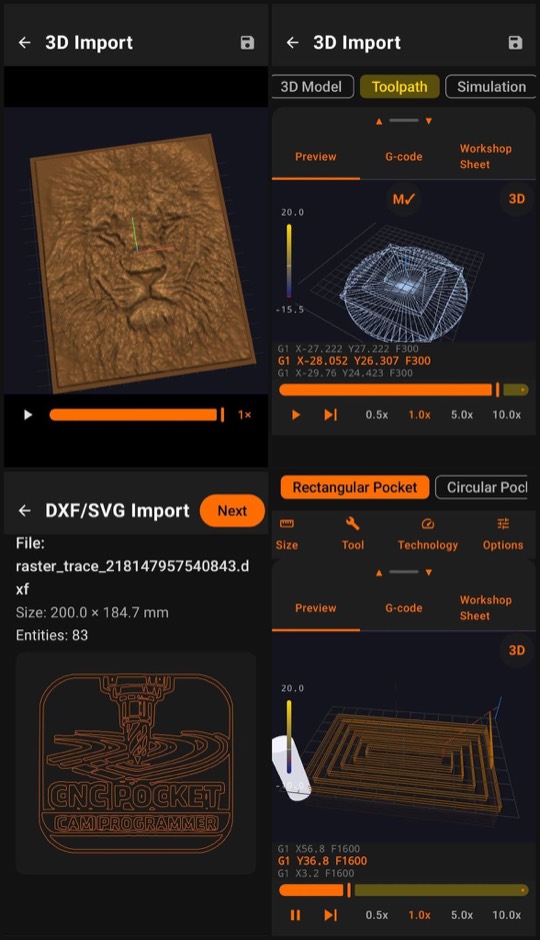
- DXF/SVG import: engrave, profile and pocket modes.
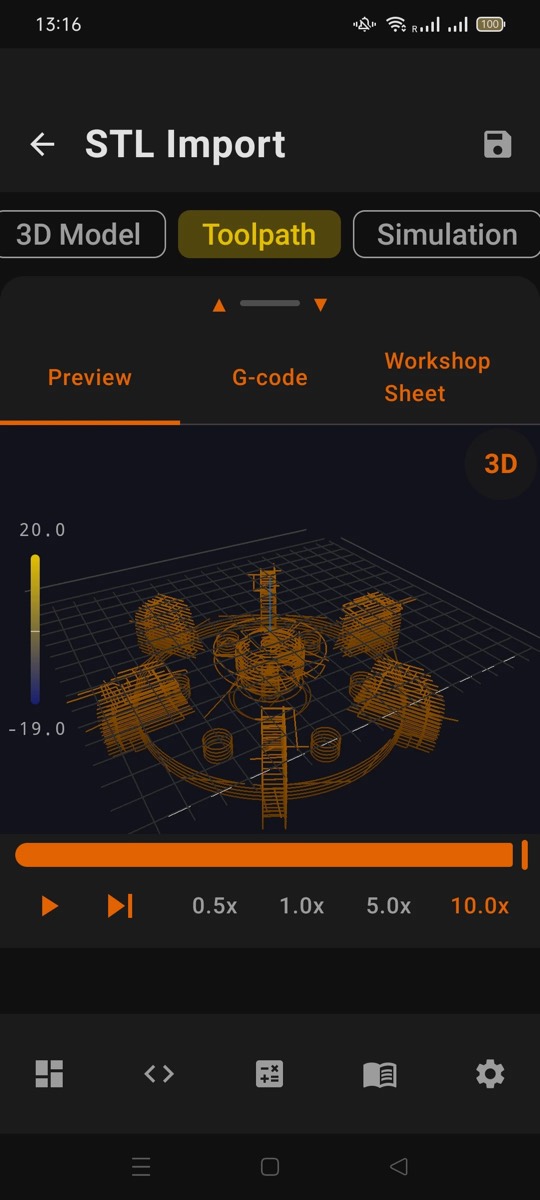
- STL import: waterline, parallel and 3-axis surface machining.
- 3D relief from a photo: turns a JPG, PNG, BMP or WebP image into a relief model to machine.
- Text engraving: single-line Hershey fonts.
- 3D toolpath preview: animated, with rotation, zoom, pan, Z-depth colours, line-by-line playback and a tool marker. See what the machine will do before you press Cycle Start.
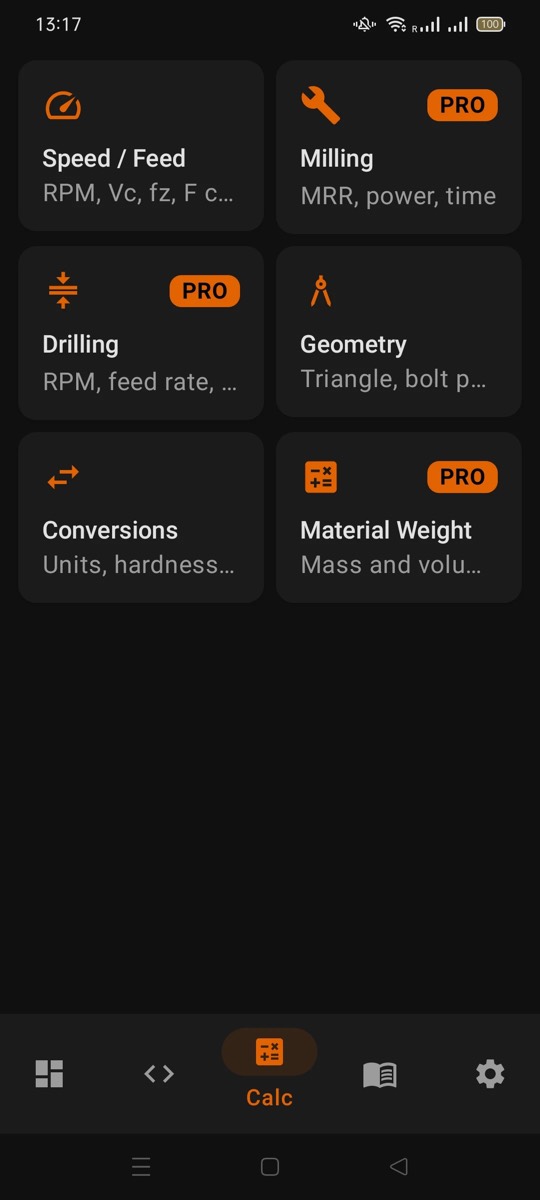
- Speed and feed calculator: more than 170 material presets. Enter the tool and the material and get spindle speed, feed rate and plunge. Also machining power and time, chip thinning, ball-nose cusp height, drill tip, bolt circles, triangle solver, unit conversion, material weight and ISO tolerances.
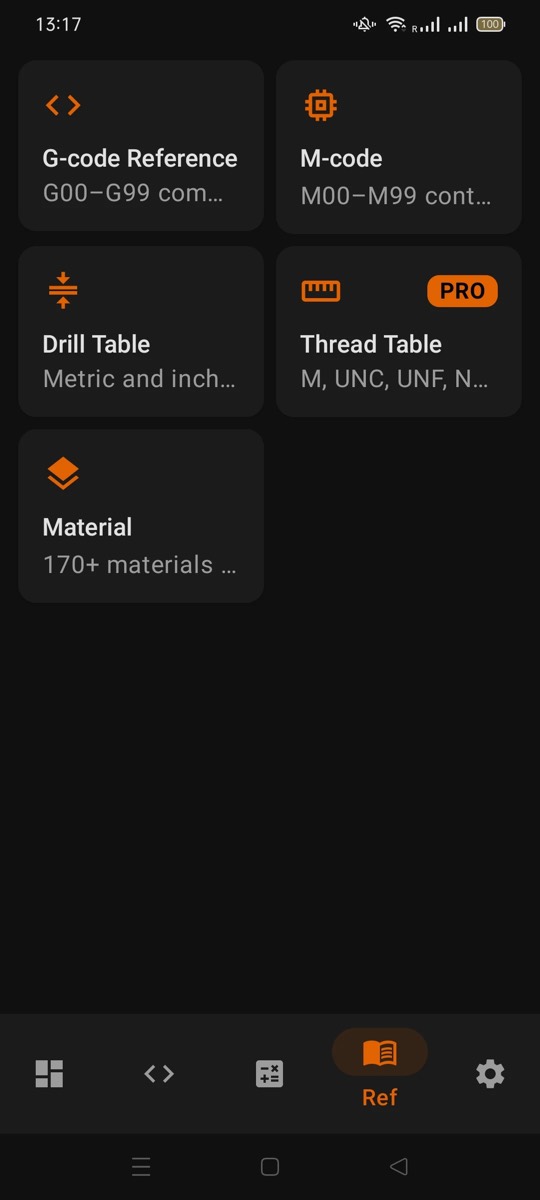
- Reference tables: G/M-code reference, drill and thread tables, material database.
- Export and sharing: saved programs, PDF and DXF export, QR code sharing.
All generators support multi-pass depth, finishing with G41/G42 cutter compensation, climb and conventional milling, and a safe Z height. Full mm and inch support. Works 100% offline, on phones and tablets, with a dark theme for the shop floor.
Screenshots
Post-processors and machine transfer
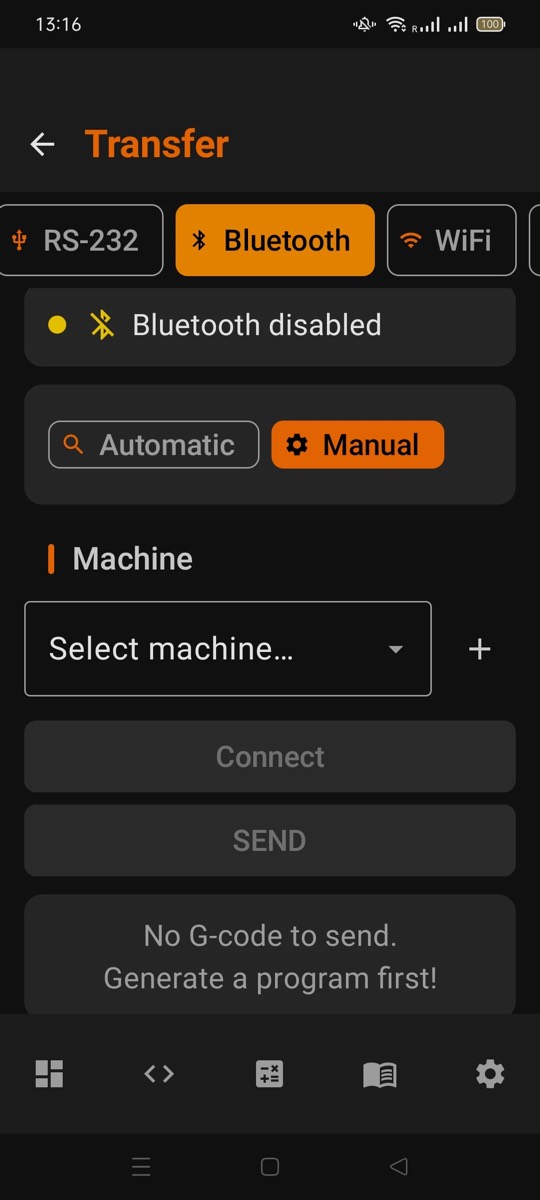
Seven post-processors: Fanuc, Haas, Okuma, Mitsubishi, Siemens, GRBL and Mach3. Programs go to the machine over RS-232 USB serial, Bluetooth, WiFi TCP socket or FTP upload. Auto-detection identifies the controller and recommends settings. 8 built-in machine profiles plus custom profiles for any machine. See supported controllers.
Who it is for
CNC learners starting with G-code, operators who need a quick program on the shop floor, hobbyists with desktop mills, and small shops without expensive CAM licences. It covers most everyday milling operations, as the main tool or next to your existing CAM. It is a mobile app, not desktop CAM software: the G-code is a solid starting point that you can adapt to your setup.
Price, trial and packages
All features can be tried free for 15 days. After that, everything is a one-time in-app purchase: no subscription and no hidden fees. Google Play shows the prices in your local currency.
| Version | What you get |
|---|---|
| FREE | Basic generators, RS-232 transfer, calculators and reference tables. With ads, 3 exports per day. |
| PRO | All generators and transfer modes, advanced calculators, Sketch editor, PRO reference tables, unlimited export, no ads. |
| ULTRA | Every feature: PRO plus 3D import (STL, OBJ, 3MF) and all three packs below. PRO users pay only the difference. |
Add-on packs
Each pack is a separate one-time purchase and also removes ads and the export limit.
- Photo Relief Pack: photo to grayscale relief to G-code.
- DXF/SVG Pack: DXF/SVG drawing import, and photo to engraving toolpath to G-code.
- Sketch to 3D Extrude Pack: turns a 2D drawing into a 3D extruded part to machine.
Languages
English, Hungarian, German, Spanish.
Safe use
The generated G-code is a starting point. Check every program, run it dry or above the part first, and confirm all parameters for your machine before cutting.